How BabyWean works
BabyWean is a free app to keep track of the foods your baby tries when starting solids, whether you follow baby-led weaning or purées, in 3 steps: sign up free, add each new food with the date, notes and whether there was a reaction, and follow it all on a timeline shared with everyone who looks after your baby. An inspiration board with 190 first foods gives you ideas for what to offer next.
Step by step
Sign up free
Create your account with your email or with Google. It is free and has no ads. BabyWean works in any browser on iPhone, Android, tablet or computer, and you can add it to your home screen like an app.
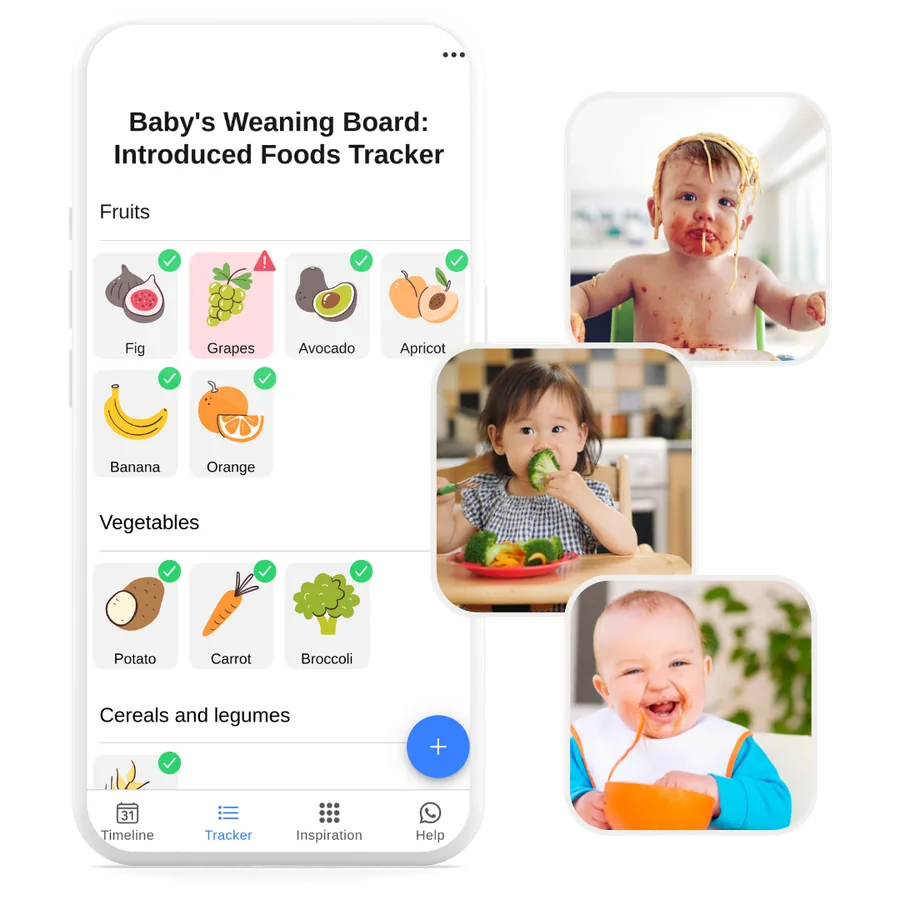
Add each food your baby tries
Tap + and choose the food from the list of 190, or type the name of your own food or recipe. Set the date, add notes (how you prepared it, how much your baby ate, whether they liked it) and tap the warning sign ⚠️ if there was a reaction. Your tracker groups every food by category.
See the timeline and share it with caregivers
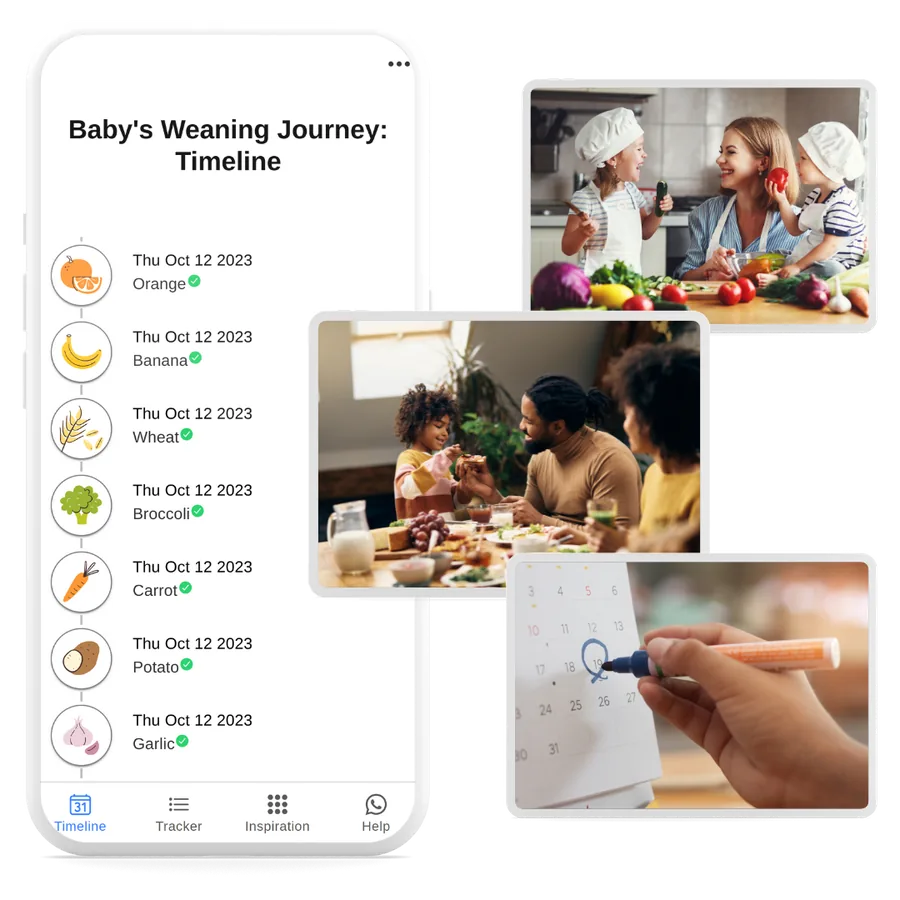
The timeline shows every food in date order, with your notes and any reaction marked. Sign in with the same account on each phone and your partner, the grandparents or the nursery see the same list, always up to date.
Need ideas? Open the inspiration board
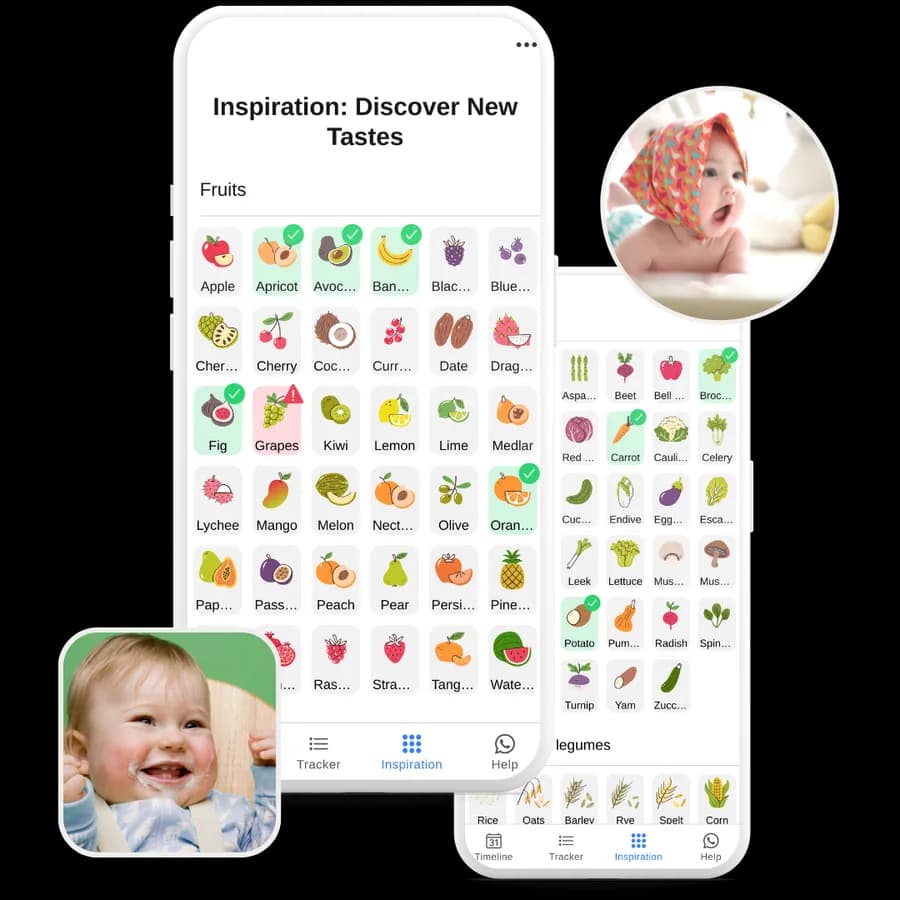
The inspiration board shows all 190 foods in the list, grouped by category. Foods your baby has already tried are ticked in green and foods with a reaction are marked in red, so it is easy to see what is left to try. Tap any food to see whether it is a common allergen, a high choking risk or recommended from 12 months.
Frequently asked questions
Is BabyWean free?
Yes. BabyWean is free to use, with no ads.
Do I need to install anything?
No. BabyWean works in the browser on iPhone, Android, tablet or computer. You can add it to your home screen to open it like an app.
Can several caregivers use the same list?
Yes. Sign in with the same account on each phone and everyone sees the same list, so grandparents and nursery staff know what your baby has already tried.
Can I add foods that are not in the list?
Yes. Type the name of any food or recipe, choose its food group and save it like any other food, with the date, notes and any reaction.
Start tracking your baby’s first foods
Free, with no ads, in English, Spanish and Portuguese.
Sign up free